
Reliable Remote Video Village: Managing Offsite Client Approval
Learn how to build low-latency remote monitoring setups so your offsite stakeholders can approve takes without stalling your production.
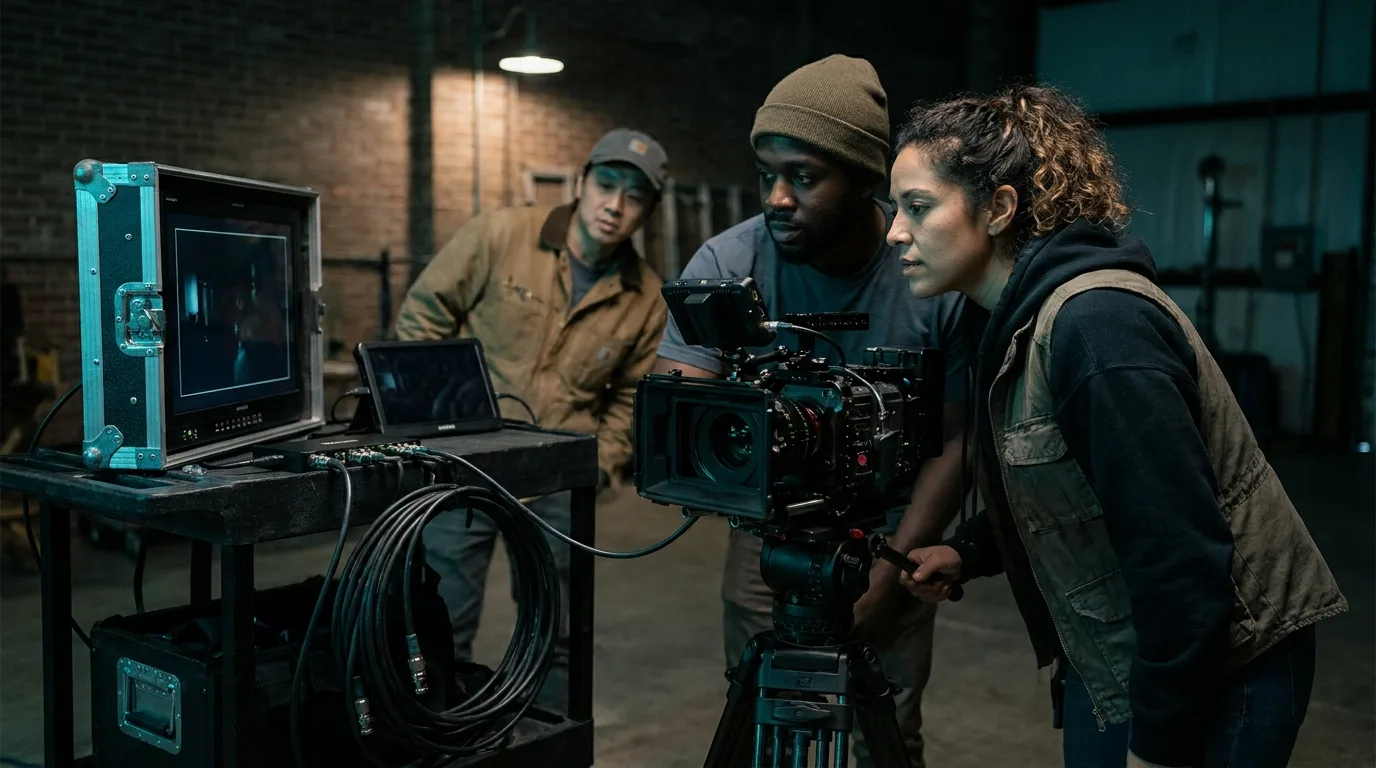
The Challenge of Remote Monitoring
For modern commercial and corporate productions, the request to stream a live feed to an offsite agency or client is now standard. While technology has advanced, many crews still struggle with high latency, audio sync issues, and venue Wi-Fi instability. When your workflow depends on client sign-off for every take, these technical hurdles create dead time that kills your shoot momentum.
Essential Hardware for Stability
Avoid relying solely on software-based solutions like screen sharing a camera feed directly from a computer. For professional reliability, you need dedicated hardware in the chain:
- Video Switcher: An ATEM Mini or similar switcher acts as your central hub. It allows you to ingest multiple camera feeds and provides a clean HDMI or USB output for your streaming encoder.
- Bonded Encoders: Never rely on a single venue Wi-Fi connection. A bonded encoder like a Teradek VidiU or a LiveU unit combines multiple cellular signals and ethernet inputs to maintain a stable upstream, even in challenging environments.
- Dedicated Audio Feed: Sync issues often stem from audio and video being processed through different paths. Route your audio directly into your switcher so the stream remains perfectly aligned before it ever hits the internet.
Optimizing the Software Workflow
If you are using Zoom, Teams, or Google Meet for the actual feed, hardware is only half the battle. You must manage the software settings to ensure low latency. Use the original camera feed as a webcam input if your switcher supports it, or use a high-quality capture card. Disable any background noise suppression in your meeting software, as this often causes audio artifacting or clipping for the people monitoring offsite.
Managing Client Feedback
The biggest cause of production delays is not the stream itself, but the lack of structure in how remote clients provide feedback. Establish a clear channel for communication. Have your onsite lead or a production assistant manage a dedicated chat line (like Slack or a separate device) for the client. Do not take feedback via the same audio channel used for the live feed, as this creates echo and confusion for the crew on the floor.
Why Professional Staffing Matters
Building a robust video village requires a dedicated hand. A Director of Photography is busy lighting the scene, and an Assistant Camera is managing focus and media. Trying to manage the stream in addition to your primary duties leads to mistakes. Having a dedicated production assistant or a digital imaging technician on set to manage the signal chain allows you to focus on the creative, while the technical side runs in the background.
If you are planning a complex shoot in the Texas market and need an experienced team to handle your production infrastructure, we can help. Whether you need an experienced DP or a skilled technician to manage your video village setup, contact us for a Production Support Call to discuss your requirements.
Get Production Support for Your Next Shoot
Second shooters, lighting techs, and production crew across Houston, Dallas, Austin, and San Antonio.